How can I see analytics for Wellfound Reach?
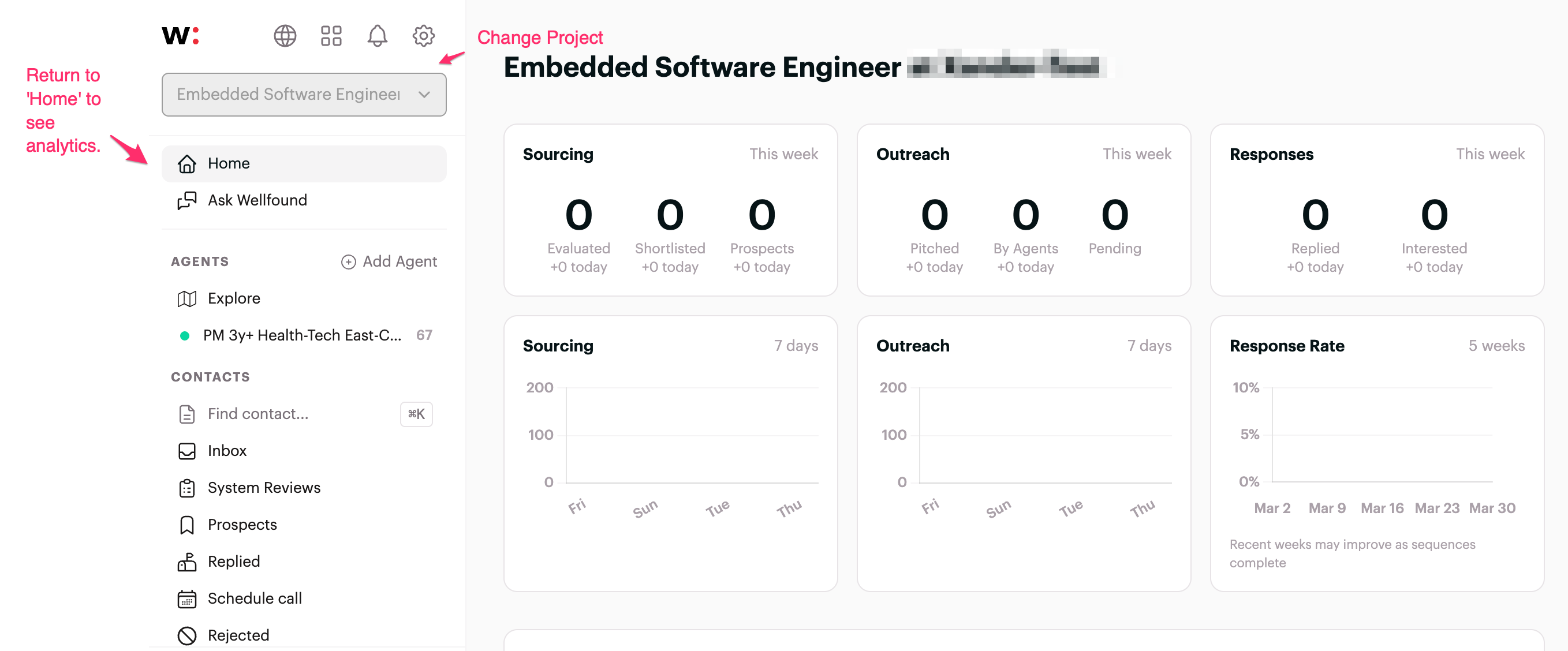
Within Wellfound Reach account, you can see your individual project performance on the analytics page.
To access the page:
- Sign in to your account.
- Please select a project from your project page here.
- You should immediately be redirected to the Home page, where the analytics show.