
How do I get my API from Gem and connect to Wellfound Reach?
- Click here to go to your ATS page or navigate to the top right corner, click on 'Company Settings', and select 'ATS'.

-
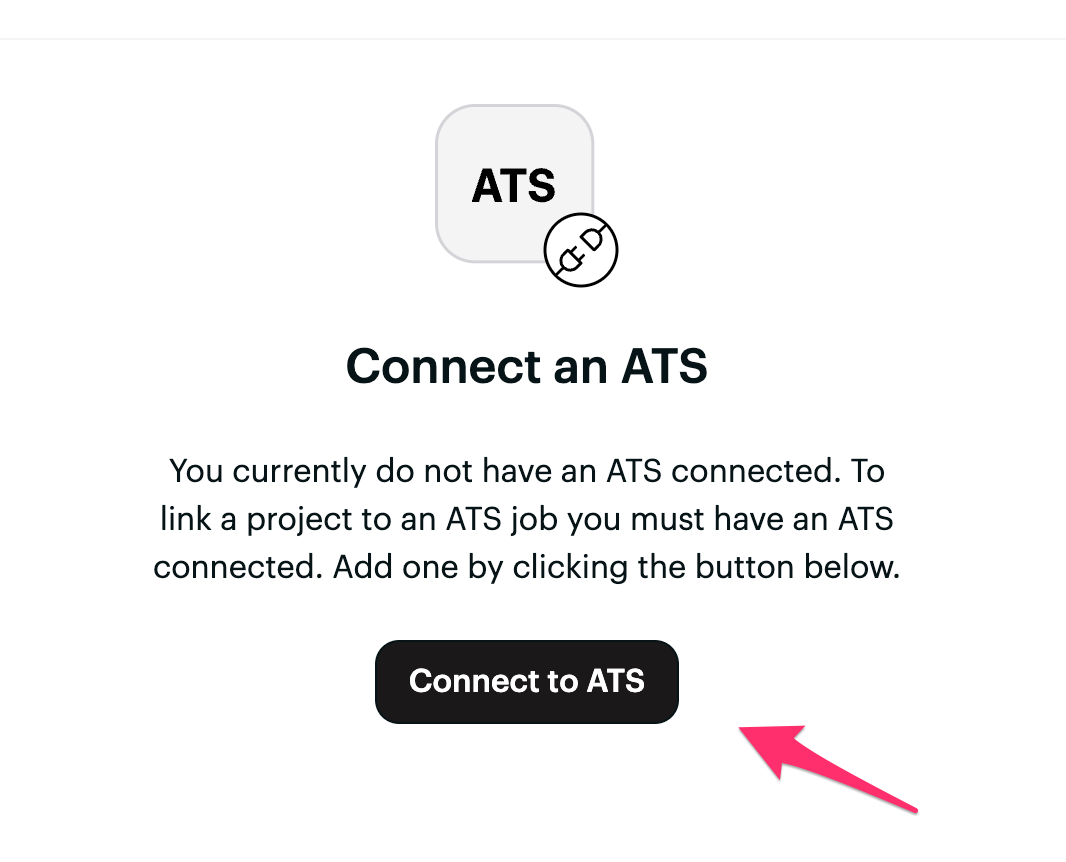
On the ATS page, click the black button 'Connect ATS'.
- You can search for Gem in the pop-out window and select Gem from the options.

- Review the permissions required for the integration, including Read access and Write access. By continuing, you agree to Merge's end user terms.
- Press Next to confirm the permissions.
- Please follow these instructions to get your API key from Gem:
- Log in to your account
- Click on your username at the bottom left of the screen and navigate to Team Settings
- Click on Additional Settings
- Scroll down to 3rd Party Applications and click Add Integration
- Copy the Shareable Access Key below
- Return to your wellfound:ai page and paste the API key into the field provided.

- Press Next. There may be a few minutes/seconds to process the connection. Now, your connection should be set!
Having trouble?
Reach out to talent@wellfound.com explaining you are having trouble setting up your wellfound:ai and Gem connection for help.